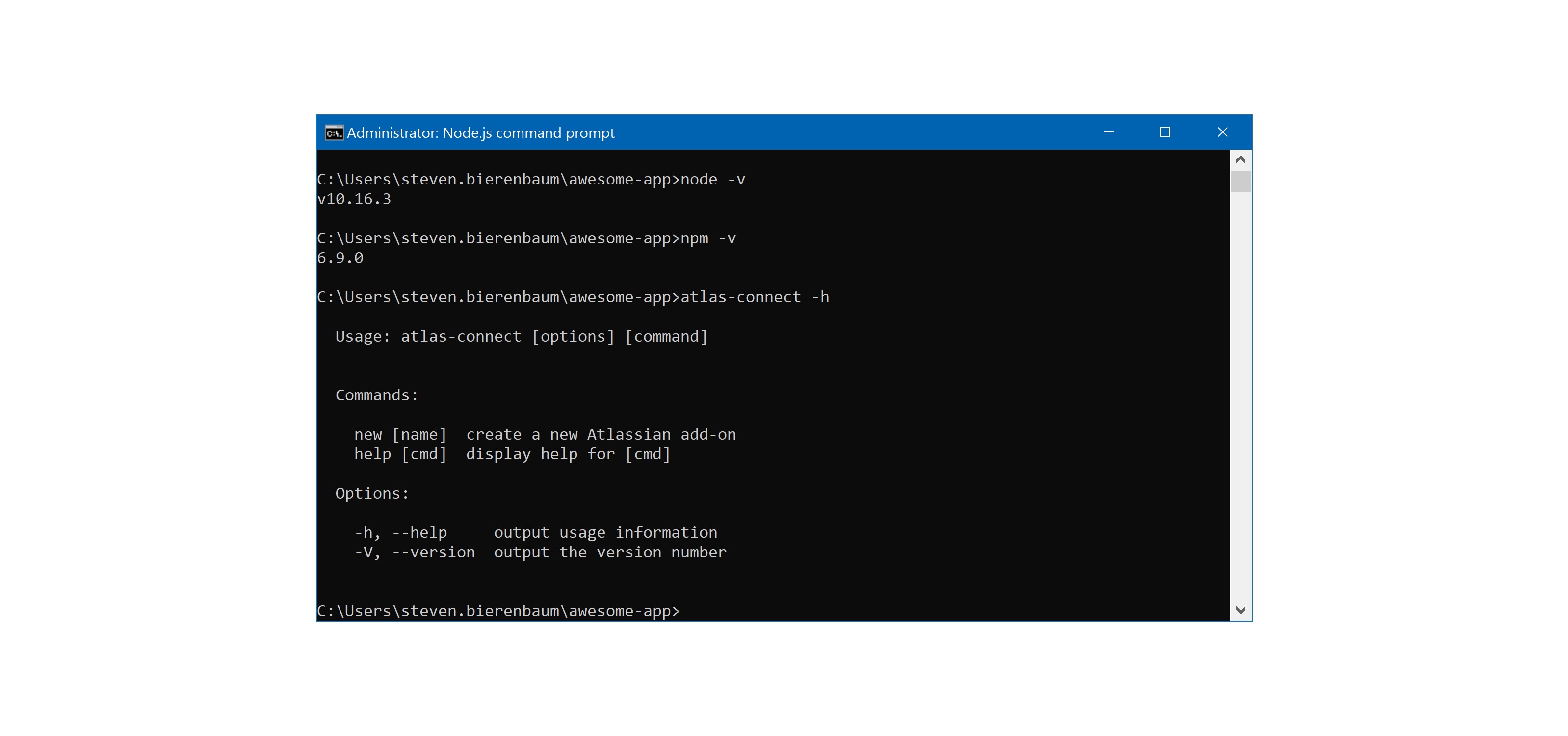
I am having trouble when I follow the instructions for Getting Started, with Confluence Cloud Development. It used to be very easy to build a simple Macro in Confluence. The community post rules prevent me from putting URI’s in my posting, so the domain and some of the error messages are gone. But I can post them individually if you need them. Here are my details.
I hope someone can help me out.
I followed all the instructions and I think node.js is ok. git clone is good. npm install is good, no errors.
More:
I decided to skip the Getting Started and move to Lesson 1 as maybe there is an issue with it. I installed atlas-connect, ngrok and sqlite. They went fine. I had run the npm install for the awesome-app directory. I got the same errors when running npm start. Here are the errors below:
Failed to register with host https:///sebdevsite.atlassian.net/wiki
Error: Invalid URI “https:///sebdevsite.atlassian.net/wiki/rest/plugins/1.0/”
Error: Invalid URI “https:///sebdevsite.atlassian.net/wiki/rest/plugins/1.0/”
at Request.init (C:\Users\steven.bierenbaum\awesome-app\node_modules\request\request.js:273:31)
@SteveB@aagrawal2 - this looks like it might be a Windows-related issue. This worked for me out of the box on Mac. Lets see if someone here has a Windows setup that we can try/debug this on.
I am guessing this is a tool version mixed with Windows 10. The versions of the tools looks very different than the tutorial example. Here is my version set:
I hate to say this but I have been four days trying to get a solution to what should be a very simple issue. I am going to have to find a different product other than confluence. This is the most basic part of creating dynamic content.
Run ngrok manually (i.e. ngrok http 3000), and copy that Forwarding URL (i.e. https://x1111.ngrok.io)
Edit your atlassian-connect.json file, and replace {{localBaseUrl}} with the Forwarding URL above.
Run your app with node app.js
This will run the app on localhost:3000, and then ngrok will be porting that to the public internet. You can go to https://x1111.ngrok.io/atlassian-connect.json and you should see your descriptor. Can you try that?
If you’re successful at that, then the next step would go to Confluence, and go to Settings > Manage Apps > Upload app – and this is where you’ll paste that descriptor URL.
BTW, the manual patch directions above are to workaround that weird URL issue you’re encountering.
Alright… damn it. Found the issue. The urijslibrary was updated on npm the other day, and there’s something funky in there that’s adding the extra slash. Haven’t had time to debug that yet.
So, forget that last post I made, and just add this to your package.json file as the last line in dependencies object:
For now, I’m going to ask someone from the team to put a static version number for this dependency until it’s fixed. Sorry you had all of those problems @TorfinnOlsen and @SteveB.
npm install:
"
npm install
audited 1684 packages in 2.521s
found 2 high severity vulnerabilities
run npm audit fix to fix them, or npm audit for details
"
then nmp start ends with this:
"
Local tunnel established at https://72d46d43.ngrok.io/
Check http://127.0.0.1:4040 for tunnel status
Registering add-on…
Failed to register with host https:///sebdevsite.atlassian.net/wiki
Error: Invalid URI “https:///sebdevsite.atlassian.net/wiki/rest/plugins/1.0/”
Error: Invalid URI “https:///sebdevsite.atlassian.net/wiki/rest/plugins/1.0/”
"
Still there. Same error:
Local tunnel established at https://ec09fbfe.ngrok.io/
Check http://127.0.0.1:4040 for tunnel status
Registering add-on…
Failed to register with host https:///sebdevsite.atlassian.net/wiki
Error: Invalid URI “https:///sebdevsite.atlassian.net/wiki/rest/plugins/1.0/”
Error: Invalid URI “https:///sebdevsite.atlassian.net/wiki/rest/plugins/1.0/”
.
.
.
at flush (C:\users\steven.bierenbaum\confluence-helloworld-addon\node_modules\rsvp\dist\rsvp.js:2441:7)
at process._tickCallback (internal/process/next_tick.js:61:11)
Add-on not registered; no compatible hosts detected