Hello design, product and atlas kit team,
There seems to be an issue with the Site Navigation component in Jira, Confluence, Figma and atlas kit component.
-
Jira and figma components 2.3 uses bigger gap between notch icon and item icon
-
Confluence has smaller gap between notch and icon, and notch icon height is diferrent
-
https://atlassian.design/components/side-navigation/examples has same gap as Confluence but notch size is like on Jira…
-
Additionally Jira headers can be collapsed with a ^ icon on hover - that is not reflected in atlas kit component
-
hovered state color is different for different jira projects, confluence and atlas kit component


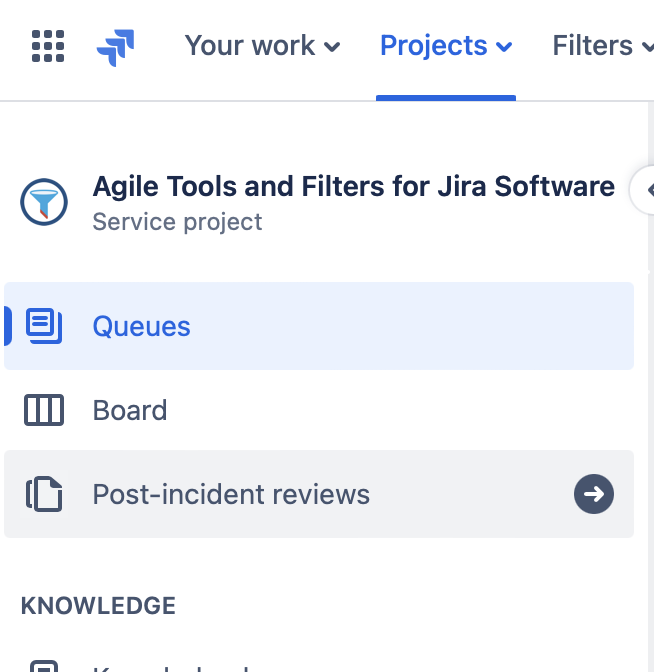
A request from our team:
- Please unify the components across figma, products and design.atlassian.com and let us know which one is the final one
- By default keep bigger gap between notch icon and item icon - looks better!!!
- Implement a possibility to use side navigation on the right side of the screen
- Add section collapse functionality - same you use on jira - to atlas kit component
- Add whole menu collapse and resize functionality - from jira/confluence menu - to atlas kit component
- Bring back server collapse design to side navigation menu - on collapse show icons - seems to be part of the new Jira navigation RFC according to the screens
Cheers
Prem